---
title: Sony P-Series running 10.10 Meerkat Ubuntu
url: 2010-10-sony-p-series-running-10-10-meerkat-ubuntu
author: tracey pooh
type: post
date: 2010-10-24
categories:
- linux
- video
featured: pinky4.jpg
tags:
- coding
- linux
- video
comment:
---
## Sony P-Series
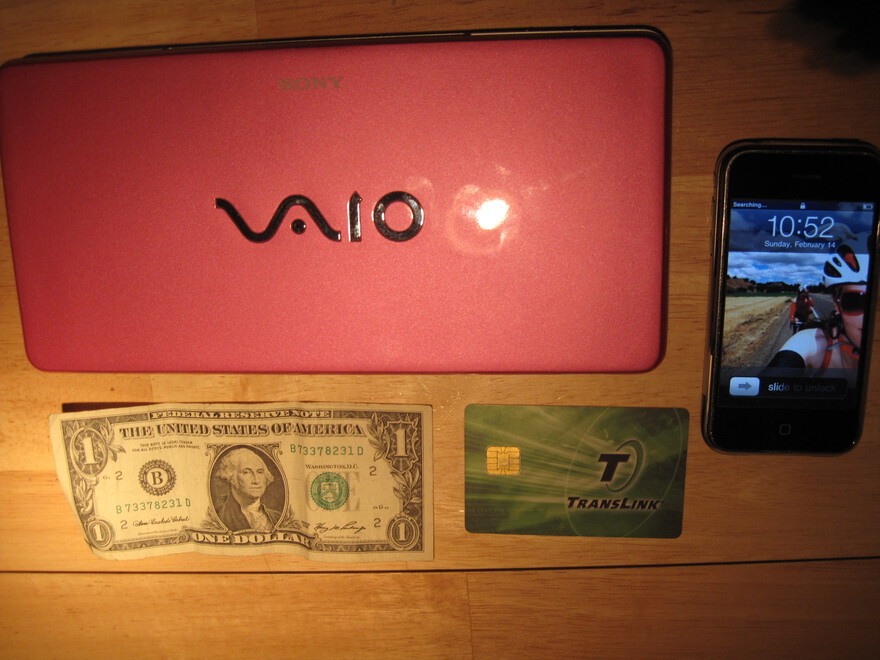
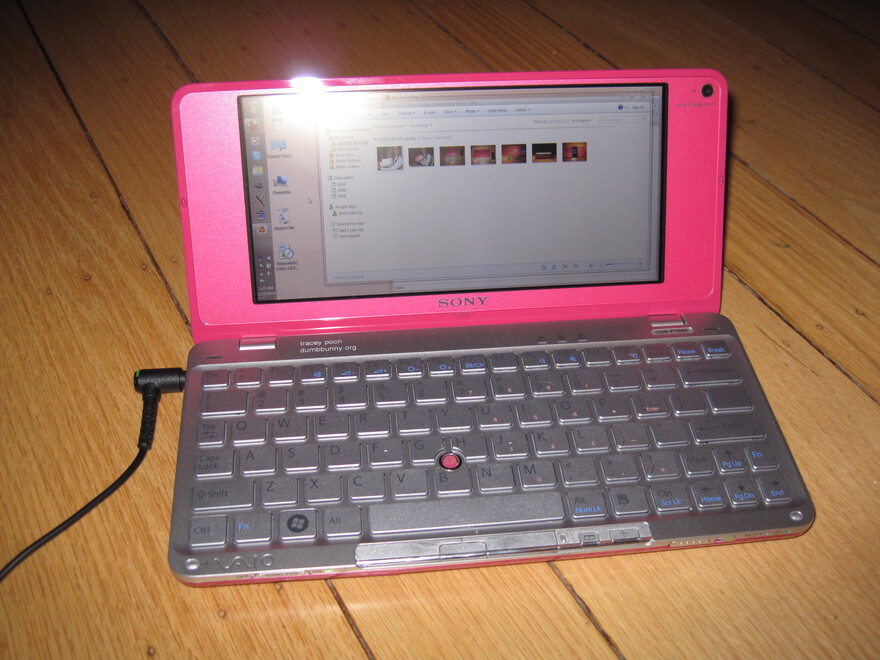
(specifically: win7 era P788K, 8" 1600x768 display, 2B RAM, GMA 500 graphics, 64GB SSD)
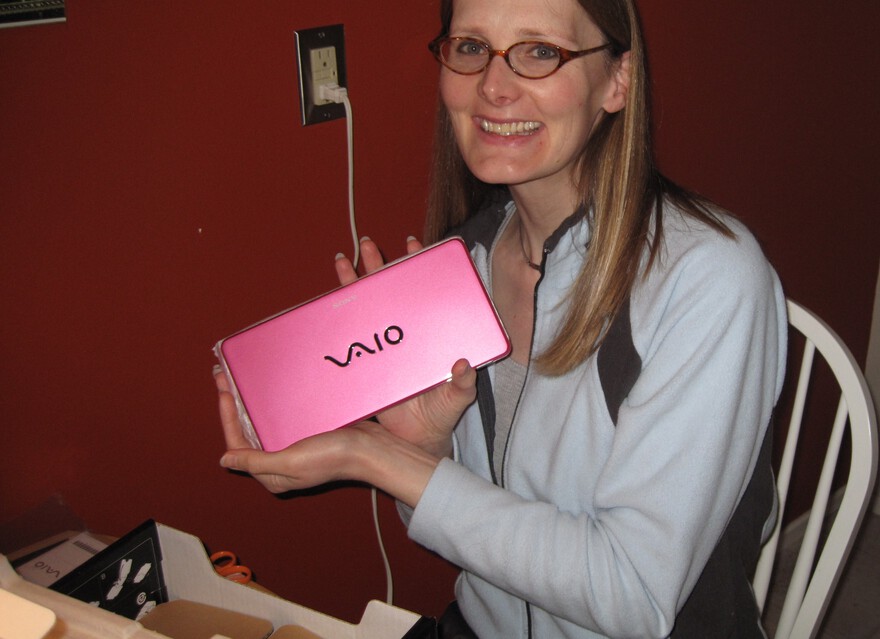
I got this supercute [mini-laptop](https://web.archive.org/web/20100328005526/http://www.sonystyle.com/webapp/wcs/stores/servlet/ProductDisplay?storeId=10151&catalogId=10551&langId=-1&productId=8198552921666067697#features) last year
I had been using Ubuntu linux Lucid (10.4) and just upped to Meerkat (10.10). (Both were Netbook Edition).
 I'd never gotten video acceleration to work before and was stuck w/ ~1-5 fps video most of the time.
Doing the widely suggested:
```bash
set -e
sudo add-apt-repository ppa:gma500/ppa
sudo add-apt-repository ppa:gma500/fix
sudo apt-get update
sudo apt-get install poulsbo-driver-2d poulsbo-driver-3d poulsbo-config
```
... bricked my vaio 8-( well, i mean, it gave me root login w/o X/windows ability but... 8-p)
but 2-3 apt-get remove, reinstalls, hunting google later, found the apparent saviour
(I did 1000mb from 2000mb recommended
[here](http://www.webupd8.org/2010/05/fix-intel-gma500-poulsbo-graphics-in.html)):
```bash
sudo nano /etc/default/grub
GRUB_CMDLINE_LINUX_DEFAULT="quiet splash mem=1000mb acpi_osi=Linux"
sudo update-grub
```
booted clean! **immediately** got ability to use proprietary vaio accessory to output VGA to external monitor (a first!) and brightness up/down hotkeys working. (brightness to work even at all!)
but best of all, video and appearance **and everything** (moving windows, starting applications) was **so much faster** visually!
cmd-line video playback with
```bash
sudo apt-get remove mplayer
sudo apt-get install gnome-mplayer gecko-mediaplayer
```
so this is **all** i have done, aside from starting w/ vanilla install (with just a few changes to help w/ SSD instead of HD) of lucid upgraded to meerkat.
(personally, i'm still working on getting suspend/resume to work (seems to work but the display doesn't come back on -- been like this the whole time) and to get hibernate to work -- prolly will go with some kinda memory stick to dump to)
### UPDATE!
suspend/resume working now with change to suggested "gma500 fix"
```bash
set -e
sudo add-apt-repository ppa:gma500/ppa
sudo add-apt-repository ppa:gma500/fix
sudo apt-get update
sudo apt-get install poulsbo-driver-2d poulsbo-driver-3d poulsbo-config
```
I think this additional suggestion may have fixed sleep/resume (but it's possible it was just the gma500/fix related packages in live above:
`sudo mv /usr/lib/pm-utils/sleep.d/99video /usr/lib/pm-utils/99video`
I'd never gotten video acceleration to work before and was stuck w/ ~1-5 fps video most of the time.
Doing the widely suggested:
```bash
set -e
sudo add-apt-repository ppa:gma500/ppa
sudo add-apt-repository ppa:gma500/fix
sudo apt-get update
sudo apt-get install poulsbo-driver-2d poulsbo-driver-3d poulsbo-config
```
... bricked my vaio 8-( well, i mean, it gave me root login w/o X/windows ability but... 8-p)
but 2-3 apt-get remove, reinstalls, hunting google later, found the apparent saviour
(I did 1000mb from 2000mb recommended
[here](http://www.webupd8.org/2010/05/fix-intel-gma500-poulsbo-graphics-in.html)):
```bash
sudo nano /etc/default/grub
GRUB_CMDLINE_LINUX_DEFAULT="quiet splash mem=1000mb acpi_osi=Linux"
sudo update-grub
```
booted clean! **immediately** got ability to use proprietary vaio accessory to output VGA to external monitor (a first!) and brightness up/down hotkeys working. (brightness to work even at all!)
but best of all, video and appearance **and everything** (moving windows, starting applications) was **so much faster** visually!
cmd-line video playback with
```bash
sudo apt-get remove mplayer
sudo apt-get install gnome-mplayer gecko-mediaplayer
```
so this is **all** i have done, aside from starting w/ vanilla install (with just a few changes to help w/ SSD instead of HD) of lucid upgraded to meerkat.
(personally, i'm still working on getting suspend/resume to work (seems to work but the display doesn't come back on -- been like this the whole time) and to get hibernate to work -- prolly will go with some kinda memory stick to dump to)
### UPDATE!
suspend/resume working now with change to suggested "gma500 fix"
```bash
set -e
sudo add-apt-repository ppa:gma500/ppa
sudo add-apt-repository ppa:gma500/fix
sudo apt-get update
sudo apt-get install poulsbo-driver-2d poulsbo-driver-3d poulsbo-config
```
I think this additional suggestion may have fixed sleep/resume (but it's possible it was just the gma500/fix related packages in live above:
`sudo mv /usr/lib/pm-utils/sleep.d/99video /usr/lib/pm-utils/99video`